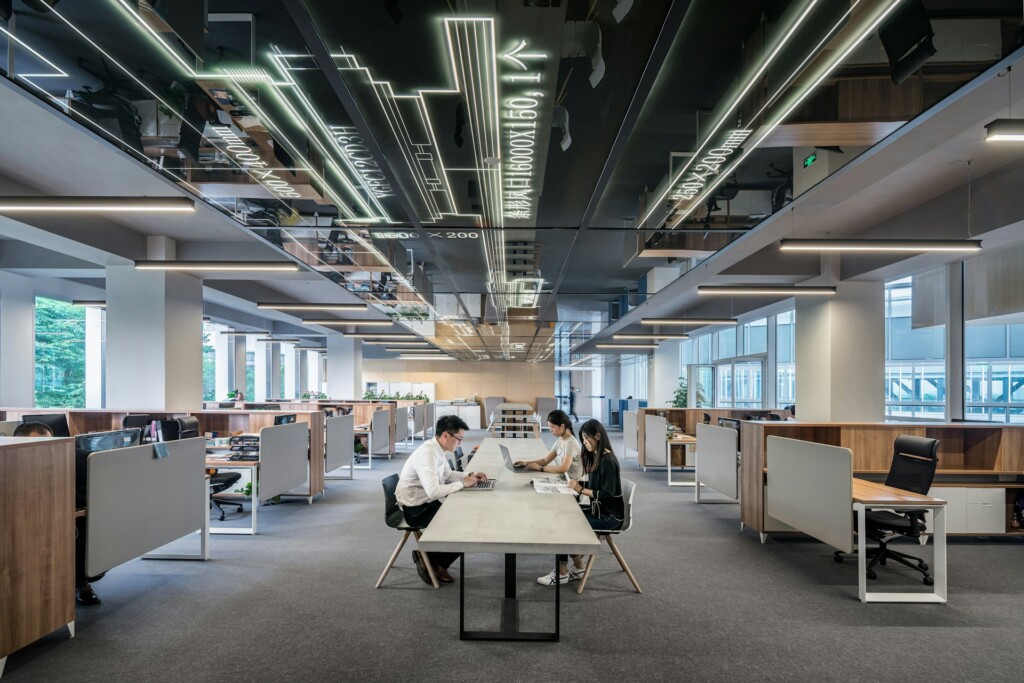
Today’s open-concept office builders eliminate traditional walls and barriers to create expansive, single-floor layouts designed for modern work patterns. We build spaces where teams can collaborate naturally, communicate with ease, and adapt their environment to match daily tasks.
These flexible workspaces maximize natural light distribution while supporting diverse work styles through strategic space planning and design management. We integrate shared workspaces with quiet rooms and breakout areas to balance the need for focused concentration and team collaboration, creating energy-efficient spaces that serve property owners’ long-term operational goals in Texas.
Which Open-Plan Layout Types Fit Different Teams And Tasks?
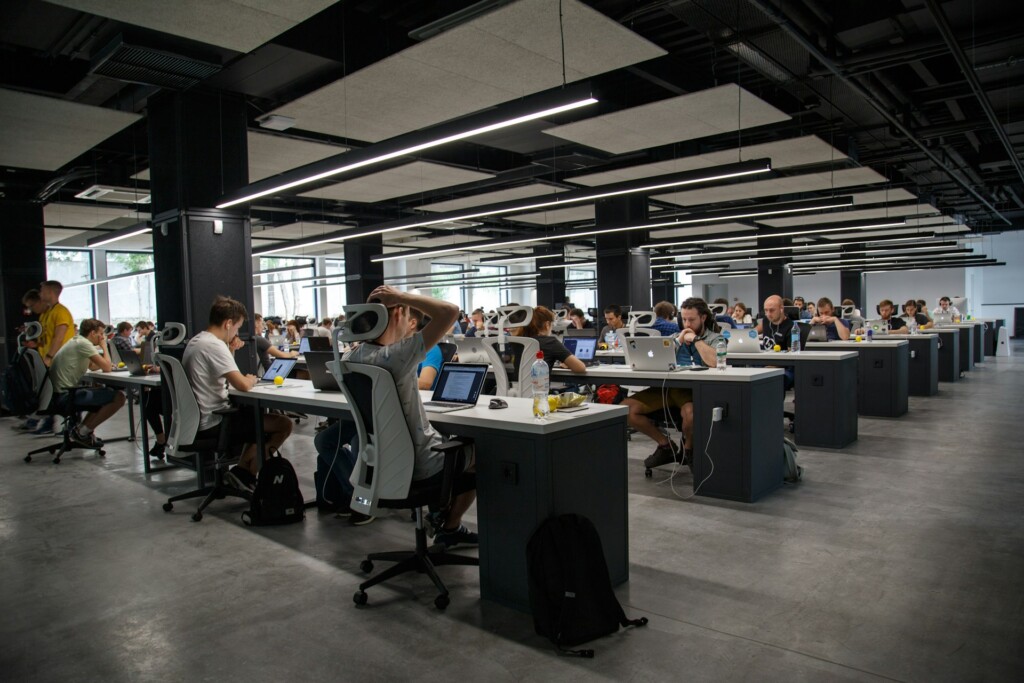
We configure open-plan layouts around specific work patterns and team needs. Each layout type supports different collaboration levels and space requirements. The right choice depends on team size, project dynamics, and privacy expectations.
Completely Open Plan
Completely open plans remove all barriers between workstations. Teams work side by side without walls, cubicles, or permanent partitions. This layout maximizes collaboration and provides the highest level of transparency.
Marketing teams and creative agencies often thrive in completely open environments. Real-time feedback flows naturally between colleagues. Project pivots happen quickly when everyone can see and hear updates as they happen.
The trade-off is managing noise and distractions. We address this by clustering related functions and positioning high-traffic areas away from focused work zones.
Team-Based Plan
Team-based layouts group departments or project teams within dedicated areas. Each cluster includes some physical enclosure while maintaining sightlines to nearby teams. Low panels or furniture arrangements define team boundaries without creating isolation.
Engineering teams and financial departments benefit from team-based plans. These groups need frequent internal coordination, along with some separation from unrelated conversations. The partial enclosure supports focus while enabling quick consultations.
We design these clusters with shared resources positioned centrally. Whiteboards, reference materials, and specialized equipment remain accessible to the entire team without disrupting other groups.
Hybrid Plan
Hybrid plans combine private offices, low partitions, and open spaces on the same floor. Executives might have enclosed offices while project teams work in open clusters. Meeting rooms and quiet zones supplement the mix.
Professional services firms often choose hybrid approaches. Partners need confidential spaces for client discussions. Associate teams benefit from collaborative areas for research and document review. Support staff can work efficiently in open areas with quick access to both groups.
The layout balance shifts based on organizational hierarchy and workflow requirements. We position private offices along perimeter walls to preserve natural light for open areas.
Cubicle Plan
Modern cubicle plans use semi-private stations with fabric or glass partitions. Unlike traditional high-walled cubicles, contemporary versions provide visual connection while offering acoustic separation. Storage integrates directly into partition systems.
Call centers and data processing teams find cubicles effective for focused individual work. The partitions reduce distractions while maintaining supervisor visibility. Personal storage and display space help employees customize their immediate environment.
We specify modular cubicle systems that reconfigure easily as teams grow or shrink. Cable management and power distribution integrate cleanly into the partition framework.
Activity-Based Working (ABW)
ABW creates distinct zones for different work activities rather than assigning permanent desks. Quiet areas support focused tasks. Collaboration zones facilitate team projects. Social areas encourage informal interaction and breaks.
Consulting firms and tech companies implement ABW successfully. Employees choose work settings based on daily tasks rather than fixed assignments. Project teams form dynamically and dissolve as needed.
Success depends on providing sufficient variety and capacity. We include phone booths for confidential calls, soft seating for informal meetings, and traditional desks for computer-intensive work. Digital booking systems help manage high-demand spaces.
Hot Desking
Hot desking eliminates assigned seating entirely. Employees choose available workstations on a first-come basis or through reservation systems. Personal storage shifts to lockers or mobile solutions.
Remote-hybrid teams use hot desking to accommodate variable occupancy. When only 60% of staff work in the office daily, hot desking maximizes space utilization. Cleaning and setup become more intensive between users.
Occupancy planning becomes critical for hot desking success. We analyze attendance patterns and peak usage times to determine appropriate desk ratios. Reservation systems prevent overcrowding and conflicts.
Work Mode Considerations
Beyond layout types, we plan for three primary work modes. Focused work requires privacy screens, panels, and strategic storage placement to minimize interruptions. Individual tasks like writing, analysis, and detailed review benefit from visual barriers and acoustic treatment.
Shared work involves two to three people collaborating on specific projects. These areas need movable screens and freestanding furniture that reconfigures quickly. Power and data access must support multiple devices without permanent installation.
Teamwork centers around larger groups using shared surfaces. We provide big tables or benching systems with nearby standing tables for overflow. These areas encourage movement and dynamic participation throughout longer meetings.
Free-address benching and technology spines support flexible team arrangements. Power and data infrastructure runs through central pathways, allowing teams to reconfigure without rewiring. Mobile storage and display systems move with changing team compositions while maintaining an organized, professional appearance.
How Do You Plan For Acoustics, Privacy, And Health In Open Offices?
Open office environments create specific challenges that require targeted construction solutions. We address these systematically through integrated design approaches that balance acoustics, confidentiality needs, and employee wellness.
Managing Noise and Distraction
Sound control is fundamental to productive open office construction. We install acoustic panels along walls and ceilings, selecting materials with a high Noise Reduction Coefficient (NRC) to absorb unwanted frequencies. Sound-absorbing partitions between workstations reduce conversation spillover while maintaining visual openness.
Strategic placement of rugs and plant groupings creates natural sound barriers throughout the space. These elements serve dual purposes, improving acoustics while enhancing the work environment. Research from the University of Sydney demonstrates that noise distractions in open offices significantly reduce productivity compared to private spaces, particularly for complex verbal tasks.
We incorporate dedicated quiet areas and phone areas for deep work and confidential conversations. These spaces feature enhanced acoustic treatments and strategic positioning away from high-traffic zones. Phone booths with independent ventilation systems provide complete speech privacy for sensitive calls.
Establishing Privacy Solutions
Privacy screens at individual workstations create visual barriers without compromising collaboration. We size these screens to provide adequate coverage while maintaining sightlines for supervision and team interaction. Height adjustments allow customization based on specific departmental needs.
Bookable focus rooms address the need for concentrated work periods. These spaces feature superior acoustic isolation and comfortable furnishings that support extended concentration. We position confidential meeting spaces strategically, ensuring sensitive discussions remain private while keeping them easy to reach.
Placement planning ensures sensitive work areas stay removed from circulation paths. We analyze traffic patterns during the design phase, identifying zones where confidential work can occur without exposure to passersby or casual observers.
Supporting Health and Cleanliness
HVAC system upgrades are critical in open office environments where air circulation affects multiple employees simultaneously. We specify systems with enhanced filtration capabilities and increased air exchange rates to maintain optimal indoor air quality. Air purifiers provide additional protection, particularly in high-density seating areas.
Enhanced cleaning protocols require planning during construction. We select surface materials that support frequent sanitization without degrading over time. Smooth, non-porous finishes on workstations and in common areas facilitate thorough cleaning while maintaining a professional appearance.
Spacious circulation planning reduces crowding and supports health protocols. Wide aisles accommodate two-way traffic while providing emergency egress. We calculate occupancy loads carefully, ensuring adequate space per employee even during peak capacity periods.
What Core Design Elements Should Guide Your Floor Plan?
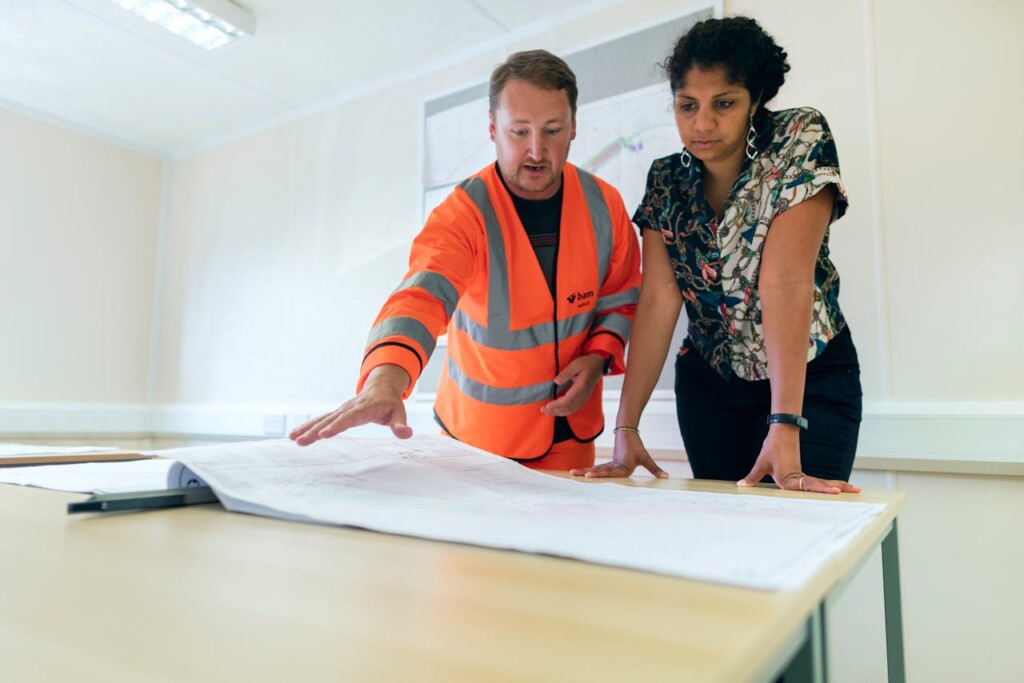
We center open-concept construction on nine design elements that deliver measurable workplace improvements. These elements reflect how teams actually work while preserving the adaptability developers need for future tenant changes.
Space Optimization Drives Efficiency
Smart space optimization clusters workstations into productive zones while maintaining clear circulation paths. We design central shared areas that employees can reach quickly from any workstation, reducing wasted movement and improving collaboration flow. Thoughtful desk clustering creates natural team boundaries without rigid walls, supporting focus and communication.
Clear pathways prevent bottlenecks during peak times. Wide corridors provide accessible routes and emergency egress while supporting informal interactions. Centralized amenities like printing stations and break areas serve multiple departments efficiently.
Modular Furniture Supports Rapid Change
We specify ergonomic furniture that adapts to different body types and work preferences. Height-adjustable desks support both sitting and standing work modes, improving employee health while maintaining flexibility. Modular systems let tenants reconfigure layouts without construction delays or significant expense.
Quality ergonomic seating reduces injury risk and supports productivity during long work sessions. Components connect and separate easily, enabling teams to expand or contract their footprint based on project needs. Rolling storage units and mobile privacy screens offer additional reconfiguration options.
Natural Light Maximizes Well-being
We position workstations to capture maximum natural light using low panels and glass partitions. Research from Cornell University shows employees exposed to natural light experience 63% fewer headaches and 51% less eyestrain. Glass partitions maintain visual connection while improving acoustic separation.
Task lighting supplements daylight for detail work, while balanced ambient systems prevent harsh shadows. Daylight sensors automatically adjust artificial lighting levels, reducing energy use while maintaining visibility. Well-placed windows and light shelves distribute illumination deeper into floor plates.
Collaborative Zones Match Work Patterns
We design varied collaboration spaces that support different team dynamics. Large conference rooms handle formal presentations and all-hands meetings, while informal lounges encourage spontaneous brainstorming. Pod-style meeting areas provide semi-private spaces for quick huddles without the need to book a room.
Small meeting rooms support confidential discussions and focused teamwork. Comfortable seating in lounge areas promotes longer creative sessions, while standing-height surfaces facilitate brief check-ins. Placement near natural gathering points encourages organic collaboration.
Biophilic Elements Reduce Stress
We integrate plants, natural materials, and living walls throughout open layouts to create calming environments that also buffer noise. In one study, 70% of workers reported improved performance when exposed to natural elements. Wood finishes and stone accents provide tactile variety while reinforcing connection to nature.
Living walls improve air quality while providing visual privacy between zones. Well-placed plant groupings absorb sound and create natural boundaries without blocking sightlines. Natural textures and earth-tone colors reduce visual stress in high-activity environments.
Wellness Rooms Support Mental Health
We include dedicated wellness or meditation rooms that provide quiet retreat spaces for stress management and mental reset. These rooms feature comfortable seating, soft lighting, and sound isolation to support brief respites from open-office energy. Wellness spaces help prevent burnout while supporting diverse employee needs.
Quiet rooms serve multiple purposes, including private phone calls, focused work, and relaxation. Dimmable lighting and sound-masking systems create appropriate ambiance for different activities. Strategic placement away from high-traffic areas ensures these spaces remain peaceful refuges.
How Should Technology And Infrastructure Be Integrated From Day One?
Effective hybrid work depends on thoughtful technology planning that starts before construction begins. We approach infrastructure integration as a foundational element, not an afterthought, ensuring every system supports both immediate needs and future flexibility.
Smart Booking And Digital Wayfinding Systems
Smart booking systems eliminate the frustration of arriving to find no available workspace. These platforms allow teams to reserve desks, meeting rooms, and collaborative spaces through mobile apps or web interfaces. The technology integrates with calendar systems, sending automated reminders and enabling easy modifications to reservations.
Digital wayfinding is essential in larger, open-concept spaces, where navigation can be challenging for new visitors and employees alike. Interactive displays positioned at key entry points and elevator banks provide real-time directions to reserved spaces, available areas, and important amenities. These systems update automatically based on current bookings and occupancy data, reducing confusion and improving the overall experience.
We integrate sensors throughout the space to track actual usage patterns relative to reservations. This data helps facility managers identify underused areas and optimize space allocation over time, ensuring the office layout continues to serve evolving team needs.
Enterprise-Grade Connectivity And Security
A robust wireless infrastructure forms the backbone of any successful hybrid workspace. We specify enterprise-grade access points with sufficient capacity to handle peak usage without performance degradation. The network architecture includes a segmented guest network, ensuring security while maintaining hospitality standards for visitors and clients.
Security measures extend beyond basic network protection to encompass device management and data protection protocols. Multi-factor authentication, endpoint encryption, and secure VPN access enable remote team members to connect safely to company resources.
We coordinate with IT teams to plan adequate bandwidth for simultaneous video conferencing, file sharing, and cloud-based applications. This prevents the bottlenecks that can frustrate employees and undermine the collaborative benefits of in-person workdays.
Advanced AV And Collaboration Technology
Interactive displays and high-quality video conferencing equipment ensure seamless collaboration between in-office and remote team members. We position these technologies strategically throughout the space, from dedicated conference rooms to casual meeting areas and individual workstations.
Meeting rooms receive particular attention, with ceiling-mounted cameras that capture all participants, directional microphones to reduce background noise, and large displays that help remote attendees feel present in the conversation. Interactive whiteboards enable real-time collaboration on documents and brainstorming sessions, with content instantly accessible to both in-person and remote participants.
Shared digital tools integrate across the workspace ecosystem, allowing employees to access the same project management platforms, communication channels, and file repositories regardless of their physical location. This technological consistency reduces friction and maintains productivity whether teams work together in the office or connect virtually.
Flexible Power And Data Distribution
Technology spines represent a critical infrastructure element that supports workspace reconfiguration without major renovations. These systems distribute power and data through ceiling-mounted tracks or floor-based channels that connect to freestanding furniture and modular workstations.
This approach eliminates the need for extensive electrical work when teams want to reconfigure their layout or when the company grows and needs to adjust workspace allocation. Furniture-integrated power solutions provide convenient access to outlets and USB charging without creating trip hazards or visual clutter.
We plan for adequate electrical capacity from the outset, anticipating future technology needs and ensuring the infrastructure can support additional devices, charging stations, and equipment as work patterns evolve. This forward-thinking approach prevents costly retrofits and service disruptions later.
Digital Communication Hubs And Coordination Tools
Digital signage throughout the workspace provides real-time information about room availability, upcoming events, and important announcements. These displays integrate with booking systems to show current occupancy status and help employees locate available spaces quickly.
Clear wayfinding signage complements digital systems, ensuring employees can navigate confidently even when technology experiences temporary issues. We design consistent visual cues that reinforce spatial organization and help new employees or visitors understand the workspace layout intuitively.
Communication hubs positioned in central locations display team calendars, project timelines, and company updates, fostering transparency and coordination among hybrid teams. These tools help maintain company culture and keep everyone informed about important developments, regardless of how often they work in the office.
Conclusion and Next Steps
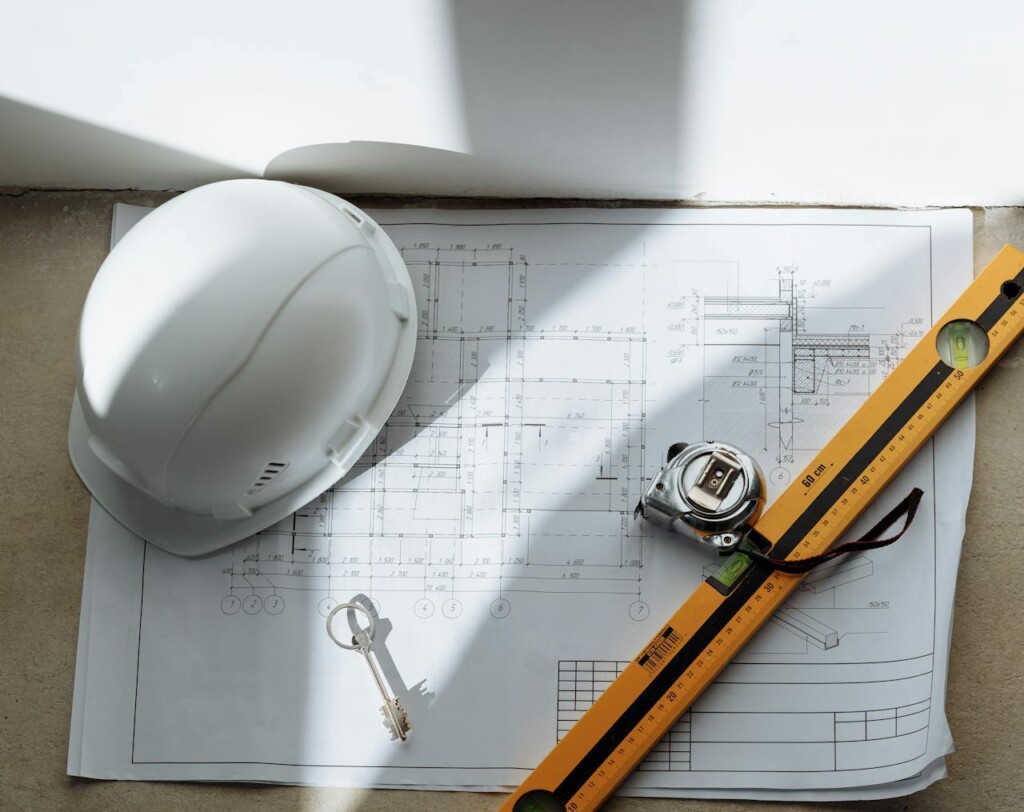
Effective open-concept office design follows a structured approach. Define your work modes first and select a layout that matches how teams function. Address acoustics early with sound-absorbing panels, private phone booths, and quiet zones for focused work. Upgrade HVAC systems and implement comprehensive cleaning protocols to maintain health standards.
Optimize your space with modular furniture systems that adapt as needs change. Maximize natural light through strategic glass placement and low partitions. Create collaborative zones alongside wellness areas to support both productivity and employee well-being. Integrate flexible infrastructure from the start, including technology spines for power and data, smart booking systems, and robust wireless networks. Most importantly, involve employees throughout the process, gather their feedback regularly, and plan for iterative design improvements over time. Contact EB3 Construction to begin planning your open-concept office transformation.